AI for Writing SOPs: Let It Draft from What Happened, Not from a Template
Ask an AI to “write an SOP for client onboarding” and you’ll get a clean, generic document with a purpose section, a scope section and ten sensible steps that could belong to any company on earth. Nobody will follow it. It says nothing about how onboarding works at your company, or where it went wrong last time.
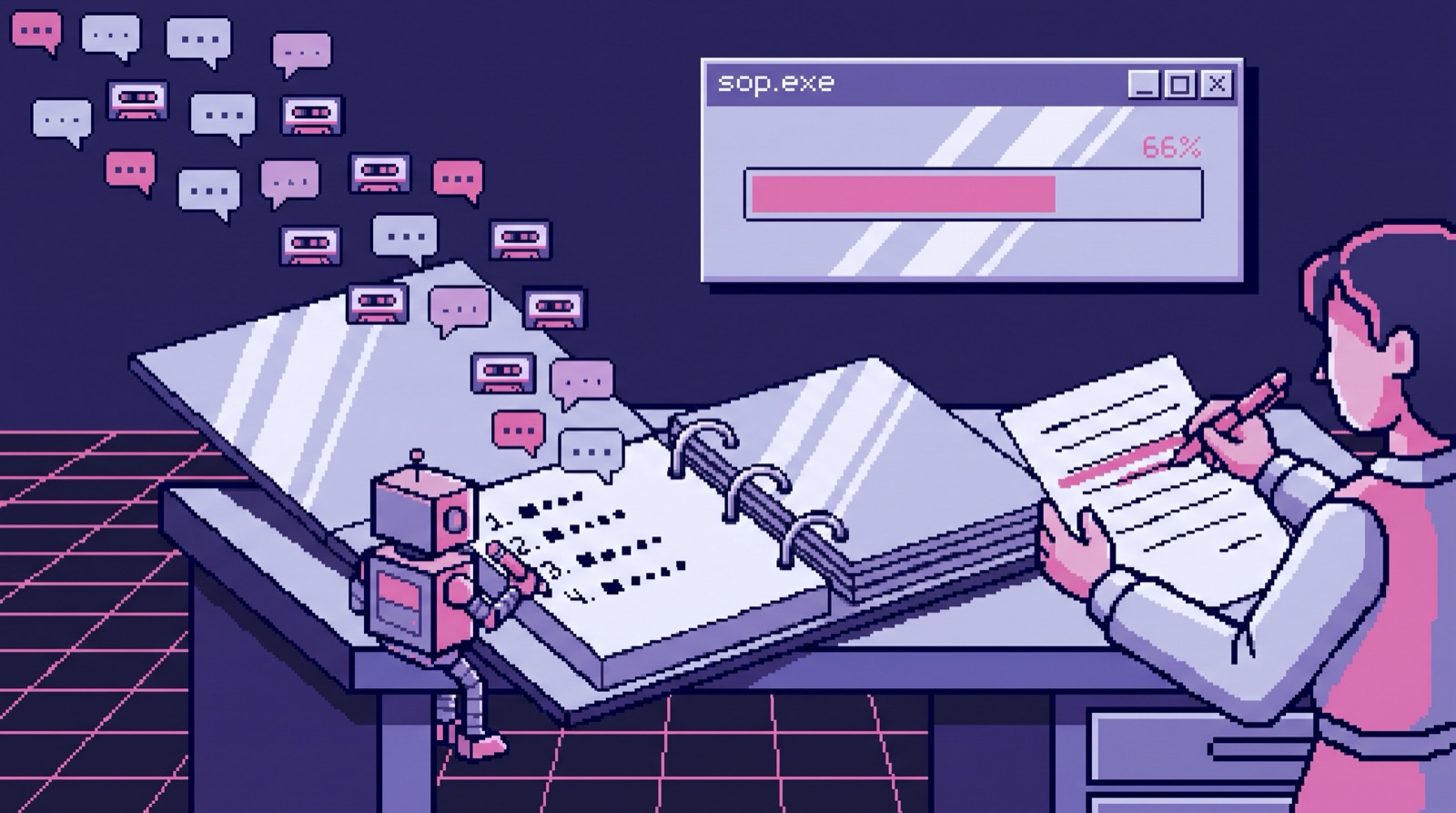
The SOPs that actually changed how we work came from the opposite direction. The AI read what happened on real projects (call transcripts, retrospectives, emails) and drafted a procedure from that. Then a person made the decisions the draft couldn’t make.
Drafting from what actually happened
In early September we wrote our client kickoff SOP: everything from the scope-confirmation call before a client signs through the start of delivery. The AI drafted it from three project retrospectives and the recording of a team workshop about scaling delivery. It came out at 435 lines, with a 269-line research note alongside it explaining why the steps are in that order.
Show the data
| Step | Who | What |
|---|---|---|
| Sources | Three project retrospectives and a workshop recording | |
| Draft | AI | A 435-line kickoff SOP in three stages |
| Decisions | Person | Roles instead of names; never read payment terms aloud |
| Use | Commands | The SOP doubles as the AI’s instructions next time |
| Post-mortem root cause | Person | The AI prepares questions only |
Because the draft came from our own failures, it reads like a list of scars. Its main idea is two rules: “The kickoff does not create commitments. It confirms them,” and “Assume nobody read anything.” Every number, scope item and date gets settled before the kickoff call, and anything that has to be understood gets walked through live, with the approver in the room. Those rules exist because on past projects, clients signed documents they hadn’t read and we discovered the disagreement weeks later.
It’s also specific in a way a template never is. It splits the kickoff into three stages with an owner, a time limit and a list of who’s in the room for each. It includes the exact sentence to say when a client asks to add scope mid-project: “If we add that, something else moves out, or the date moves. Which do you want?” And it has a rule I’d steal for any services business: nothing gets priced in the kickoff meeting. You can explain why something is hard, push back and talk through the work, but the number comes later, after someone has checked who’d do it and how long it takes.
The calls the AI can’t make
A few of the most important lines are judgment calls that no transcript could have made for us.
Roles, not names. The SOP opens with a table mapping roles (commercial lead, tech lead, project manager, finance) to whoever holds them today. Everywhere else, it only says the role. When someone changes, you update one table. Our older closeout SOP names people inline, and since September several people have moved roles or left, which in a named SOP means hunting through every paragraph.
Walk the scope, don’t walk the payment terms. The statement of work gets walked with the client. The engagement letter doesn’t. Payment terms are already settled, and reading them aloud on a call invites the client to renegotiate them. The statement of work gets walked line by line instead, and the client marks it up before signing. That’s a judgment about people, and nothing in the documents would have told the AI.
Mark steps as skipped instead of deleting them. Our closeout SOP depended on a client portal we stopped using. Instead of deleting those steps, a person marked each one “SKIPPED” with the reason. If the portal comes back, the steps are still there. If it doesn’t, nobody wonders whether someone forgot.
What we don’t let the AI write
Our closeout process includes a post-mortem for every project. Having the AI read the project’s emails and transcripts and write the post-mortem would have been easy. We decided against it on September 3, on the post-mortem call for a finished project.
The post-mortem is now a live conversation, and the AI’s job is to prepare for it. Before the meeting, it reads the project’s transcripts, emails and history and writes a set of questions: chains of “why?” that chase each problem down to a cause we actually control. It’s Toyota’s five whys, which Taiichi Ohno describes in Toyota Production System, pointed at a client project instead of a factory floor. It deliberately does not write the root cause, the success rating or the lessons, because that’s what the meeting is for. After the meeting, it reads the recording of the post-mortem itself and treats that as the primary source, above every document.
A generated post-mortem would read well and teach nobody anything. The people who worked on the project have to say out loud what went wrong, or the lesson stays in the document instead of in the team. Google’s SRE book makes the same point about incident write-ups in its chapter on postmortem culture: “An unreviewed postmortem might as well never have existed.”
Why most SOPs fail before anyone reads them
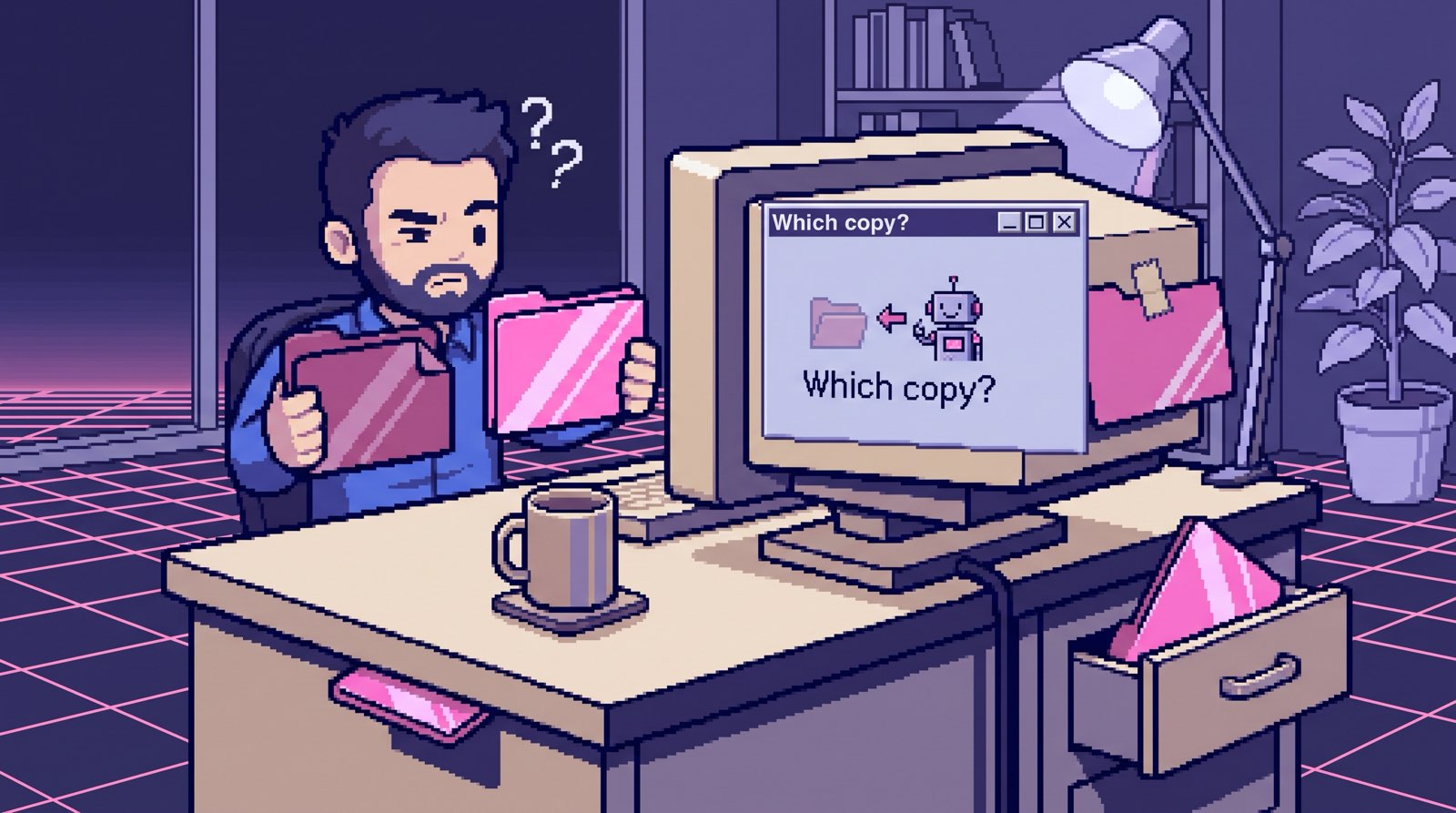
When I inventoried our company’s documents in September, we had plenty of SOPs. Too many of them lived in the wrong place (the full story):
- Six processes were documented both in our repository and in Notion, with nothing saying which copy was current. Payments alone had five documents.
- The status field was blank on 76 of the 90 rows in our Notion documents database.
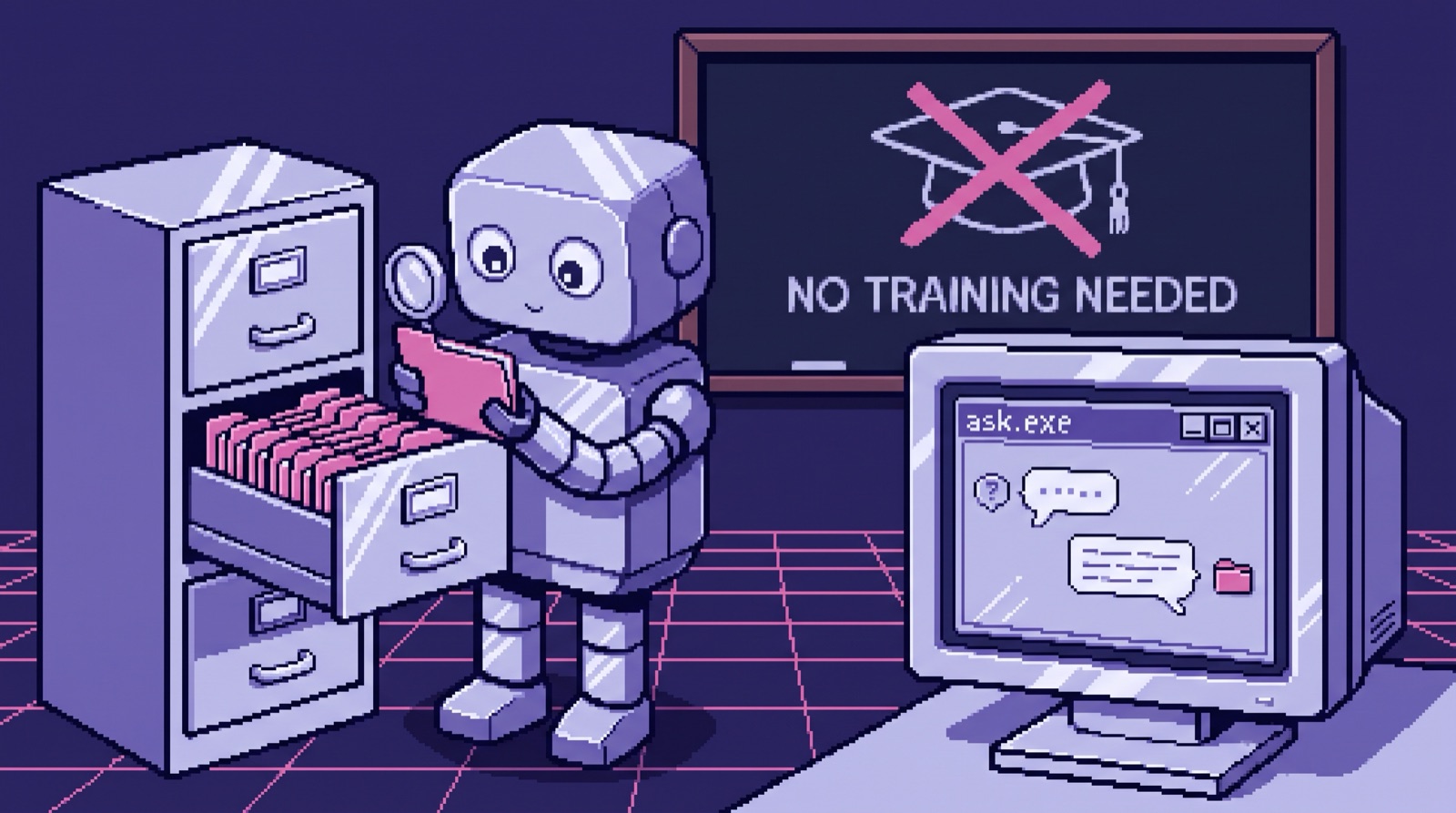
- One invoicing SOP had the wrong file extension, so every tool that searched for documents skipped it. A person could find it. The AI never could.
We moved 18 documents so each one had a single home, deleted 16 duplicates, and repointed 56 references across 33 files. Our SOPs open with an owner, a last-updated date and a status. The kickoff SOP’s header says “Draft,” because it was written as input for a workshop and then piloted with one client. Calling a draft a draft is a small thing that saves a lot of confusion.
SOPs as instructions for the AI
The last reason to write SOPs this way is that ours have two audiences. People read them, and so do our AI commands. The closeout SOP describes two commands and every manual step around them. The commands follow the same rules the SOP spells out, including the hard gate that a project can’t be archived until its final invoice is paid. When a person changes a rule in the SOP, the AI picks it up the next time a command loads the file.
An SOP nobody reads is a cost. One the AI follows every time works more like code, and it pays for itself the first time someone new runs the process without asking a founder.
Where to start
Pick the process that went wrong most recently. Collect what you have about the last two or three times it ran: emails, call notes, the retro if you did one. Have an AI draft the procedure from those, not from a template, and ask it to list every decision it couldn’t make from the documents. Make those decisions yourself, write down why, and give the SOP one home, an owner and a date.
If you want help, I build the system these SOPs live in, where your team’s email, docs and calls feed one place your AI can read, in accounts you own. It’s from $3,997 for a team of up to 20, live in 14 days or all your money back. Related reading: how to give AI your company’s knowledge and what we learned onboarding three people with AI-written kits.