Can Claude Read My Email? It Has Filed 1,200 of Our Threads
Oct 15, 2026 · 6 min read
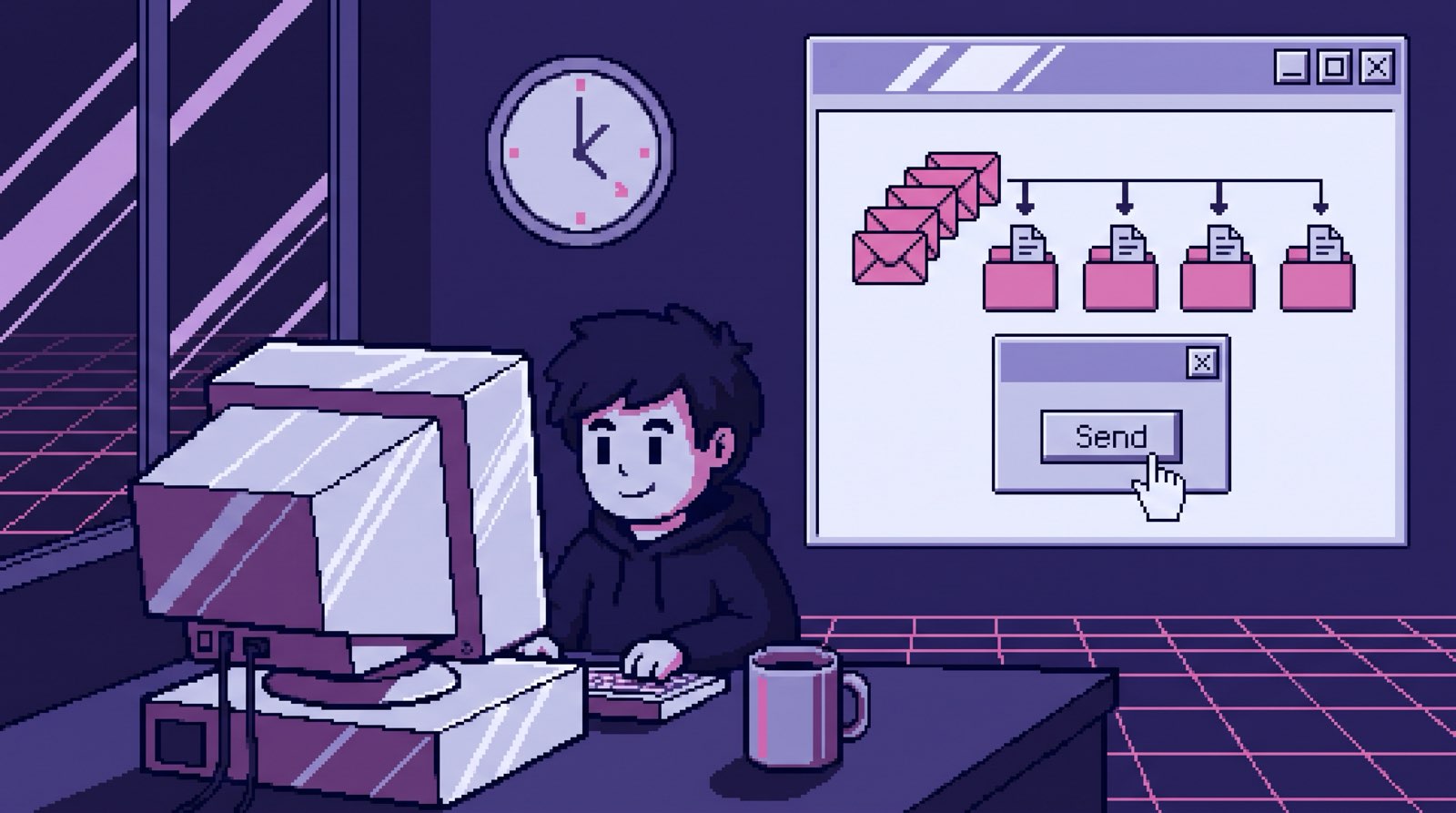
Claude can read your email, and there are two ways to set it up. The quick one is Anthropic’s Gmail connector: you sign in to Google from inside Claude, and it searches your inbox when you ask a question. The other is a scheduled job that reads your mailbox on a timer and writes what it finds into storage your company owns. The connector is great for one person asking about their own inbox today. The sync is what a team needs when the answer is in someone else’s email, or in a thread from March.
We run the second one. Our company brain has a sync scheduled for 9, 1 and 4, New York time, every weekday, and each founder’s end-of-day run files the day’s threads on top of that. Below is how each route works, what reading email turned out to be good for, and the checklist I’d use before giving any AI access to a mailbox.
Route one: the Gmail connector
In Claude, you go to Customize, then Connectors, pick Gmail and sign in to your Google account. On Team and Enterprise plans an owner has to switch it on for the organization first. After that you turn the connector on in a chat and ask things like “what did the client say about the deadline?” According to Anthropic’s Gmail connector page, the answer comes with citations that link back to the messages it used, and Claude only searches your mail when the question calls for it.
What it can do beyond reading depends on where you use it, so check the current docs for your plan. Anthropic’s pages differ on whether it can draft or send, and they agree it can’t see everything (embedded images, for one).
The connector has two real limits for a business. It sees one person’s mailbox, the one that signed in. And nothing it reads lands anywhere the rest of the team can use: when the chat ends, the knowledge goes with it. The same connectors show up in Cowork, Anthropic’s agent mode, and Anthropic’s own Cowork safety guidance names emails as one of the places hidden instructions can come from.
Route two: a scheduled sync into your own storage
The other way is a job you own that reads each connected mailbox through Google’s API on a schedule and writes the results somewhere permanent. In our case that’s a git repository, the same one that holds every client folder, call transcript and decision log (the whole setup is in the pillar post).
Our sync went in on April 15. Each person connects their own mailbox once, through Google’s normal consent screen. The tokens are stored encrypted, one row per mailbox, along with which permissions were granted, who connected it, and whether it’s still active. Disconnecting a mailbox revokes the token at Google, so it can’t quietly keep working.
On each scheduled run the job matches new threads to a client and appends a short entry to that client’s communication log, of which we have 38, one per firm. The end-of-day process each founder runs goes further and files whole threads, one markdown file per thread. The top of each file holds the Gmail thread ID, the subject, the participants, the message count and the first and last dates, and every message below it is marked as sent or received. We have more than 1,200 of those files across 87 client and internal folders, and that structure is what lets Claude cite a specific message instead of a vague “somewhere in your inbox.”
One rule from early on: in April we wrote down that every Claude session goes through a single command-line tool for anything Google, and that the in-app Gmail, Calendar and Drive connectors aren’t used for company work. Every session and local script reads mail through the same tool, so there’s one path to check when something goes wrong.
What reading email was actually useful for
The question that justified all of this is some version of “what did we promise them?” My co-founder asks it, Claude finds the answer in a thread, and the answer links to the email where we said it. In our company, commitments mostly live in email. Nobody writes “we agreed hosting is included” in a project doc. They write it at 6pm in a reply.
The second use was finding replies we owed. Between June and September, the founders’ day-end runs surfaced 626 threads where someone outside the company was waiting on us (that story, and why the AI drafts but never sends).
The third was a problem I didn’t expect. The same client thread often sits in both founders’ inboxes, and both of our day-end runs wanted to file it. Sorting that out took a shared table and a rule about who owes the reply (two founders, one brain).
Is it safe to give AI access to your email?
Reading is the smaller risk. The bigger one is what the AI is allowed to do after it reads. This is the checklist I’d run on anything, ours included, a Claude connector, or ChatGPT hooked up to Gmail.
- Can it send? Ours could, technically. The Google permission we request includes sending, because our Send button needs it. The sync writes replies as drafts and posts them to Slack, and the code that sends only runs when a person reads one and clicks Send. If the draft still contains a
[NEEDS INPUT: ...]marker, the Send button refuses and says why. When the model isn’t sure what to say, its default is a short holding reply with those markers left in. Ask any vendor which actions need a human click, and whether that’s enforced in code or just a setting someone can flip. - Does anything check what goes out? Every client draft goes through a leak check that reads it the way the recipient would and looks for seven kinds of leaks: other clients’ names, internal pricing, legal identifiers, credentials, outdated offers, our negotiating position, and things a partner told us in confidence. A human still reviews it. People skim, so the check catches what they’d miss.
- Is access per person, and can you take it back? Each owner connects their own mailbox and can disconnect it without touching anyone else’s. We keep an access registry with a page per platform, so when someone leaves, removing their access is a checklist and not a memory test. If a tool connects through one shared admin account that reads everybody’s mail, ask why.
- Where do the copies go? A sync makes copies, which is the point, and copies of email are as sensitive as the email. Ours land in a repository with protected branches and checks on what gets in. A check that isn’t in the path does nothing, which I learned the day 46 confidential transcripts reached main.
- What happens when an email contains instructions? Anyone can email you, so anyone can put text in front of your AI. Keep the part that reads mail away from the part that takes actions, and keep a human in front of anything external.
- What does the vendor keep? Ask where your mail is stored, for how long, and whether it’s used for training. Get the answer in writing, from their docs, not from a sales call.
Our setup took real work, and it still does. The Google login behind our Claude sessions expires about once a day, the sync needs someone watching it, and the team has to trust a system they can’t see inside unless they go looking. The connector is a few clicks. For one person, try it first.
Which one to pick
If you want to ask questions about your own inbox, turn on the connector this afternoon. If your team needs answers that span several people’s email, plus call notes and docs, and you want those answers to still exist next month, you need the sync, somewhere you control. That’s the version I build for teams, with one promise attached: “Answers with sources by day 14, or all your money back.”
If you’d like to see what the second route feels like before deciding, try the demo. It’s a made-up agency’s inbox, calls and docs. Ask it what was promised to a client, then open the exact email the answer came from.
More Thoughts
Our AI Drafts Every Email and Sends None of Them
Oct 5, 2026 · 6 min read
In four months our company brain surfaced 626 email threads where we owed a reply, and it can draft any of them. It …
Read more
Custom GPT for Your Business: 20 Files, Frozen the Day You Upload Them
Oct 17, 2026 · 6 min read
A custom GPT for your business works for one person and a few files that rarely change. For a team it goes stale, skips …
Read more
Claude Code for Non-Developers: Our Whole Team Installs Four Things
Oct 16, 2026 · 6 min read
Claude Code works for non-developers when the work is documents. Our team installs git, Claude Code, uv and one env …
Read more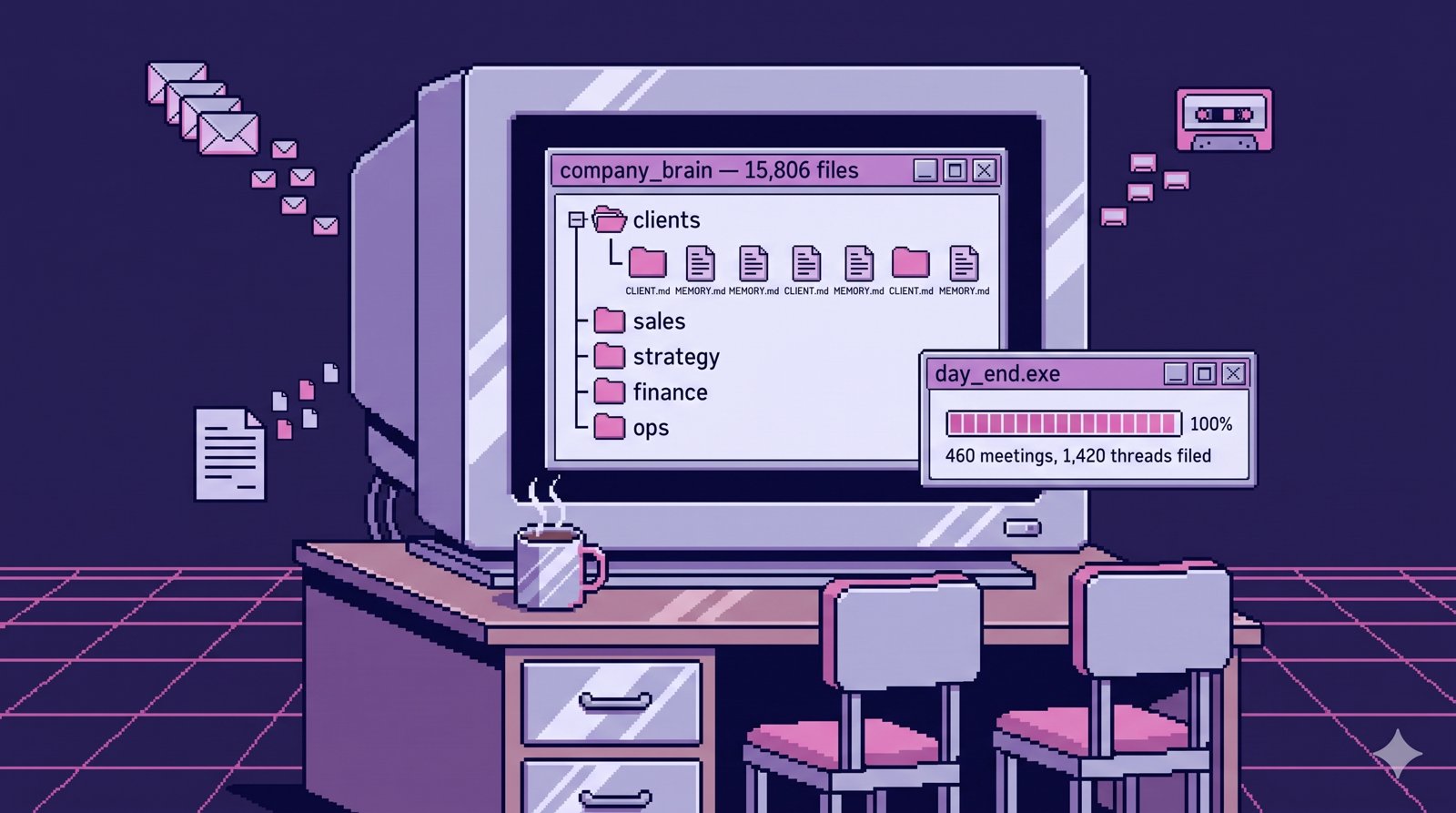
The Company Brain That Runs My Company
Oct 14, 2026 · 7 min read
My company runs on one git repository that reads our email, call transcripts and docs, and answers questions with …
Read more