Claude Code for Non-Developers: Our Whole Team Installs Four Things
Oct 16, 2026 · 6 min read
Claude Code is good for non-developers when most of their work lives in documents: client notes, plans, finance trackers, weekly updates. Claude Code reads and edits files in a folder, and anyone who can describe what they want can direct it. It gets harder when you need it to stay out of the terminal completely, when you’re on Windows without WSL, or when nobody on the team can review the parts that behave like software.
Our team has very different technical backgrounds, and all of us work out of one repository that I call our company brain. Below is what each person installs, what we took off their plate, and the costs we’re still paying.
The setup is four things
On July 7 we wrote down a ruling about setup. Anyone using the brain needs “git + Claude Code + uv/Python + the shared .env,” and nothing else. Heavy work runs remotely, on GitHub Actions and Cloud Run. The last line of the ruling matters most: “Per-machine installs beyond baseline are optional power-user paths, never load-bearing.” The reason we gave was that the whole team, with “varying technical skill,” had to be able to use every part of the brain without local setup.
That ruling had a casualty. A local semantic search setup needed about 2GB of models on every laptop, and it got replaced by a managed search service. We keep rulings like this in an append-only log so the next person who wants to add a local dependency can see why we said no.
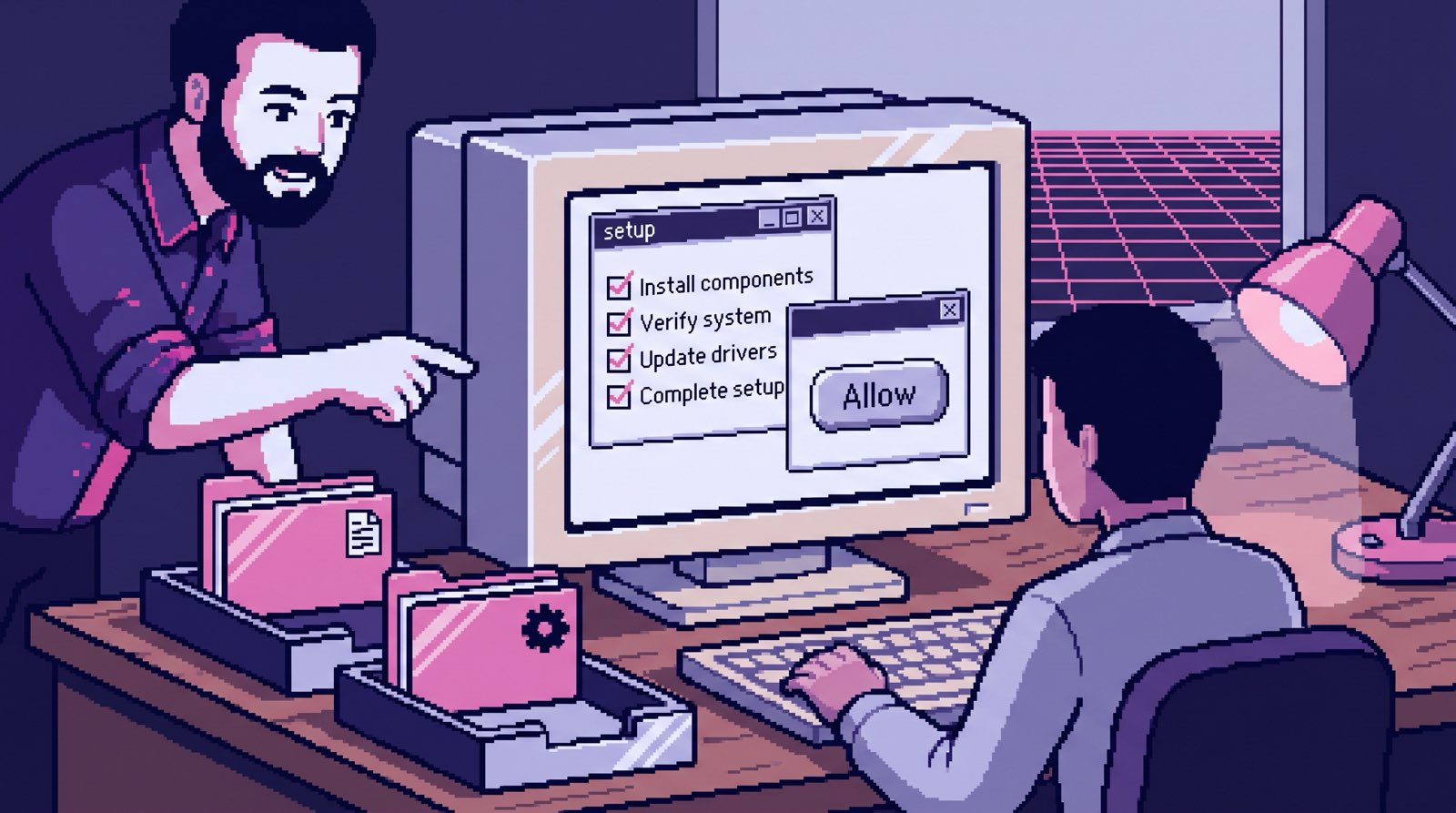
Our README hasn’t fully caught up with the ruling. Its manual setup section still lists six tools, including Node and two command-line tools for Google and Gemini. Most people never read it, though, because there’s a /setup command that runs inside Claude Code. It checks what’s missing, offers to install it, asks for the API keys your role needs, and reads the team roster to install only the dependencies for your department. Someone in sales gets asked for the payment key. Someone in finance doesn’t get nine marketing tool folders. At the end it lists the commands available to your role, built from the actual command files so the list can’t go stale.
What we took off their plate
Git. Nobody on the team has to learn branching. A command called /tidy looks at everything you changed, groups it into sensible commits, puts documents and code on separate branches and opens a pull request for each. Across the whole repo, 2,978 of 3,474 commits (86%) carry a Claude co-author line. Most of our history was written with Claude on somebody’s behalf. A non-developer can skip learning git and still get what git gives you: every change has a history and can be undone.
The daily Google login. Our Google Workspace token expires every day. Instead of a wiki page about OAuth, there’s one command that checks the token and, if it’s dead, runs the whole re-auth. In the words of one of our command files, “the human only clicks Allow.”
Waiting for a reviewer to approve a note. For most of the summer, every change to the repo needed a pull request and an approving review, including a one-line edit to a client’s notes. Most of what changes in the brain is prose, so notes waited in the same queue as code. Our access registry shows what people did about it in other repos: they asked for admin rights so they could merge their own pull requests without waiting on a second review.
On September 11 we split the repo into a doc lane and a code lane. A small classifier looks at every file in a pull request. A file only counts as a document if it matches none of the code patterns and has a known document extension. Anything it doesn’t recognize goes to a human. When it guesses wrong, a document waits for a person. It can’t guess wrong in the direction of code merging itself.
Since the split, 137 of 204 merged pull requests merged themselves. The median time from opened to merged for those was 83 seconds.
What a non-developer does with it
The clearest example is our operations lead. More than a hundred commits since March, most of them co-authored with Claude. Almost all of it is documents: financial KPI plans with plain-language definitions, engagement retrospectives, invoices and receipts filed into client folders, updates to engagement letters.
The interesting part is the commands. When we deleted 52 skills and commands this spring, the weekly client update was the only project management command that survived. Our operations lead has since edited it in five separate commits. Another set of changes reworked how we close out a client engagement, with commit messages like “require inline source tags on retrospective text fields.” That’s a process change, written in English, that the AI now follows every time anyone runs the retrospective.
Claude also wrote some Python along the way. Our operations lead’s commits touched script files 21 times, mostly small helpers for pulling data out of Notion. The line between “edits documents” and “writes software” gets blurry fast, and that’s where the hard parts are.
Where it’s still hard
Markdown can be code. Our command files are plain English. They’re also the instructions every automated run follows, and a bad edit to one can break every founder’s end-of-day run. So the classifier treats any markdown under .claude/ as code, and code needs an engineer’s approval. For our operations lead, that means a 26-file batch of invoices and receipts can merge in 61 seconds, while a one-file change to the weekly update command still needs one of us. One of those, opened just before the split, sat for 20 days.
The code queue got slower. From August 1 to September 10, the median pull request took about 4.9 hours to merge. Since the split, the ones that still need a human take a median of about 42.6 hours. The doc lane took every easy approval out of our queue. What’s left is the stuff that needs real attention, and we put it off. I don’t have a fix for this yet. Two-thirds of merges now land in under three minutes, the other third got visibly worse, and I’d still make that trade.
The terminal is still the terminal. Our setup works on macOS and on Windows through WSL. For someone who has never opened a terminal, getting WSL running is a small project of its own before Claude Code even starts. And when something fails, the error message is written for an engineer. Claude can explain the error, which helps, but someone still has to paste it in and decide whether to trust the answer.
Someone has to own the rules. The setup ruling, the doc lane, /setup, /tidy and the Google login command were all built by my co-founder and me. A team of non-developers can use a brain like this every day. Building the guardrails around it is a different job, and I wouldn’t hand it to someone in their first month with the tool.
When I set out to write a guide to agentic coding for non-technical leaders, “just a document” turned into a playable SkiFree and a music engine within ten days (the making-of story). Our operations lead’s 21 script changes are a smaller version of the same drift, and somebody has to decide which side of the line each change lands on.
Trying it on your own work
If you want to find out whether this fits how you work, the fastest test is your own documents, not a tutorial project. I do 45-minute coaching sessions for $99 over screen share: bring a folder of real files, you do the typing, and you get a recap afterward so you can keep going once we hang up.
More Thoughts
The Company Brain That Runs My Company
Oct 14, 2026 · 7 min read
My company runs on one git repository that reads our email, call transcripts and docs, and answers questions with …
Read more
We Deleted 52 Skills and Commands in Three Months
Oct 8, 2026 · 6 min read
AI made it nearly free to add tooling to our company brain, so in March we added it fast. Between March and May we …
Read more
Custom GPT for Your Business: 20 Files, Frozen the Day You Upload Them
Oct 17, 2026 · 6 min read
A custom GPT for your business works for one person and a few files that rarely change. For a team it goes stale, skips …
Read more
Can Claude Read My Email? It Has Filed 1,200 of Our Threads
Oct 15, 2026 · 6 min read
Can Claude read your email? Yes, two ways: the Gmail connector in the app, or a scheduled sync into storage you own. …
Read more