Claude Code for Project Managers: The Weekly Update That Survived Our Purge
Sep 27, 2026 · 7 min read

A project manager can hand Claude Code the assembly work: turning engineers’ notes into a weekly client update, checking reported hours against the time tracker, drafting a retrospective from the project’s documents, and logging milestones once an update goes out. What stays human is judgment about the client (what to say, what to leave out, when something is going badly) and the send button. In our company, every client email Claude writes lands as a Gmail draft, and a person sends it.
We run the company out of one git repository that Claude Code reads, which I call our company brain. Most of the team aren’t developers (the setup they use is here). Below are the project management commands in that repo, the one we use most, and where it falls short.
What’s in the project management folder
When we deleted 52 skills and commands in the spring, twelve project management commands went in a single day, and the weekly client update was the only one left standing. The retrospective came back in June, rewritten against a real project close. As of September 27, this is the whole kit:
| Command | What it does | Added at this path | Commits | Lines |
|---|---|---|---|---|
/pm:weekly-update | One update email per client, drafted from engineers’ notes | Mar 6 | 19 | 378 |
/pm:retrospective | Internal post-mortem prep and write-up | Jun 6 (rebuilt) | 8 | 235 |
/pm:engagement-review | Client-facing wrap-up: PDF, survey, email draft | Jun 6 | 5 | 95 |
/pm:portal | Client portal admin (contacts, demo links) | May 9 | 3 | 99 |
/sales:start-project | New project folder plus Notion contact and project rows | Mar 6 | 10 | 305 |
/sales:status | Which project docs exist, which are stale | Mar 6 | 5 | 665 |
If you searched for a Claude Code project manager agent or a project management plugin: we have neither. Each of these is a markdown file of instructions in .claude/commands/, which Claude Code treats the same as a skill. A plugin is how you’d package a set like this to install in other repos. We’ve never needed to, because everyone works in the same repo.
/sales:status is the longest file on the list and hasn’t been edited since May 1. /sales:start-project has a “What NOT to Do” section whose first line is “Don’t read reference file contents.” It sets up the folder and Notion rows and stops; reading comes later.
The weekly client update
Counting its earlier paths, this command has 26 commits going back to the repo’s first commit on February 18, and three people have edited it since it moved to its current path in March. Here’s how it runs today.
It reads our cached list of Notion projects, keeps the ones marked In Progress, drops anything tagged internal, and groups the rest by client. Each client gets one email covering all their active projects. Then it stops and shows a roster: every project due for an update and the engineer responsible for it.
The person running it pastes in each engineer’s update, collected however it arrived (Slack, email, a call). Claude reformats it into a fixed template and keeps it close to verbatim. Every bullet in the draft has to cite the chunk of pasted text it came from, and a drift check compares the two. The command’s own example of what it catches: an engineer writing “started the auth work” must not turn into “auth is done.”
A few rules in that file came from specific mistakes.
No approval round. Until September 4, the command sent each engineer a Slack message asking them to approve their section. We cut it. The commit says why: the pasted text was already theirs, so “DMing it back for approval asked them to approve their own words.” The file now says “no engineer-approval step, by design,” so nobody adds it back.
A zero is not evidence of a zero. If an engineer logs time in Notion, the command checks their stated hours against the log, with a tolerance of a quarter hour or 5%, whichever is bigger. On September 4, a helper script failed to match names and returned zero rows instead of an error. That run reported three engineers as having logged zero hours. All three had logged their time exactly. The command now queries the time tracker directly, and on a real mismatch it stops and asks which number goes in the email.
The video check. Every project section has a slot for a recorded video, and recording happens after the draft exists. Until someone pastes a link, the slot holds the text [VIDEO LINK -- record and paste before sending]. Before creating the Gmail draft, the command searches the body for that exact string. If it finds it, it refuses and names the projects still missing a video. In the file’s words, “never send on a hope.” Our operations lead added that check in August.
Draft, then a human, then the log. The output is a Gmail draft, never a sent message (why every email works that way here). Only after the person confirms the email actually went out does the command log a “Weekly Update” milestone in Notion for each project, marked Complete.
The “highest-priority drafting rule” is plain language. Engineers’ notes tend to read like changelogs, so the command rewrites them as what the client can now do, and drops bullets about how we organize our own notes.
Retrospectives that show their sources
The retrospective writes into a Notion database with fields like Key Win, Biggest Risk and Internal Feedback. On September 1 our operations lead added a requirement that every claim in those fields end with a bracketed tag naming where it came from: the project doc, an email thread, a transcript. When the claim is Claude’s own reasoning, the tag says [judgment call -- no direct source].
That matters most in Internal Feedback, which usually mixes a cited fact with a recommendation nobody wrote down anywhere. Six months later, a reader (or a future run of the command) can tell which is which.
Two days later we split the command into two phases. The prep phase reads the evidence and produces questions for the post-mortem meeting, never answers. The rule in the file says that if it finds itself writing a finding, it should turn it into a question. Deciding why a project went sideways is the meeting’s job. The success rating it proposes comes with a note that “none of this is precise,” and the file expects the founders to adjust it.
What stays human
Claude does the collating, formatting and checking. A person still decides:
- whether a client should hear about a slipped deadline this week or on a call
- which engineer to chase about missing hours (the command flags it and never messages engineers itself)
- what the retrospective’s verdict is
- when to press send
Where it falls short
The automated version is still a plan. The command was rewritten in April to gather evidence on its own from Notion tasks, commits, transcripts and email. In September we moved to engineers pasting their own updates, and the automatic gather became the documented “target future mode” and the fallback for projects with no pasted input. Until that ships, a person collects every engineer’s notes by hand each week.
Task floods. Action items reach Notion through our end-of-day run, and for four months it filed far too many of them. That story, and the script that fixed it, is worth reading before you let any AI write to your project tracker.
Docs drifting from what runs. A scheduled job flips overdue milestones from Upcoming to Missed every weekday morning, and our README said it didn’t exist. That one nearly blinded a new report. Milestone status is where a PM’s automation and a PM’s documentation disagree first, so check one against the other.
Building your own
The weekly update is the right first command for most PM teams, because you already have a template in your head and an opinion about what clients shouldn’t see. If you want to build yours with the people who’ll run it, the half-day coaching session with your team is $599, live over screen share, with a recap afterward. We’d start from last week’s real update and turn your rules into a file Claude follows.
More Thoughts

Claude Code vs Cowork for Non-Developers: Why Our Team Still Uses the Terminal
Oct 17, 2026 · 6 min read
Claude Code vs Cowork: same agent, different home. Cowork works in the Claude app on your files. Claude Code works in a …
Read more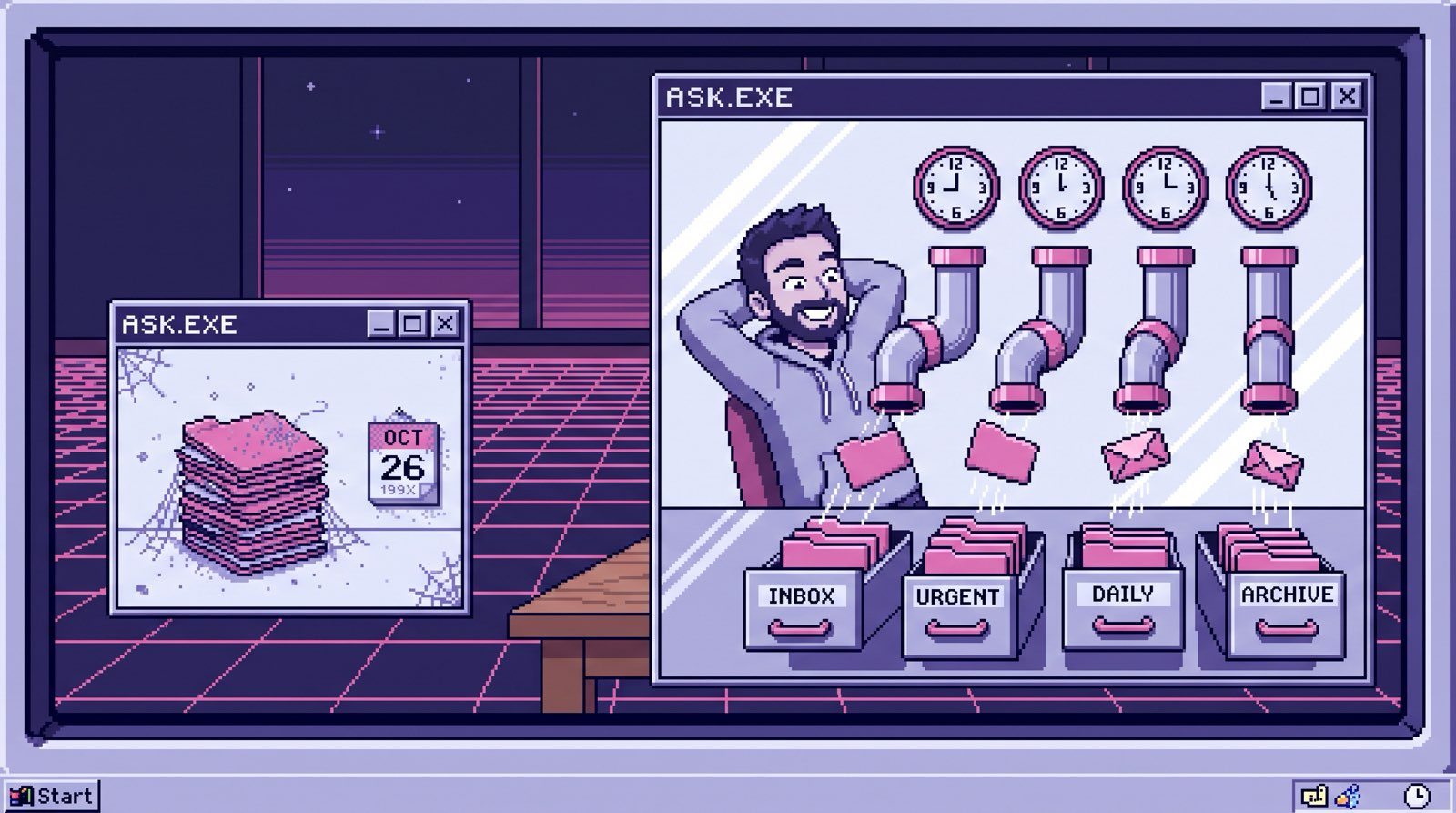
Custom GPT for Your Business: 20 Files, Frozen the Day You Upload Them
Oct 17, 2026 · 7 min read
A custom GPT for your business works for one person and a few files that rarely change. For a team it goes stale, skips …
Read more
Claude Code for Non-Developers: Our Whole Team Installs Four Things
Oct 16, 2026 · 7 min read
Claude Code works for non-developers when the work is documents. Our team installs git, Claude Code, uv and one env …
Read more
Can Claude Read My Email? It Has Filed 1,200 of Our Threads
Oct 15, 2026 · 7 min read
Can Claude read your email? Yes, two ways: the Gmail connector in the app, or a scheduled sync into storage you own. …
Read more