Claude Code Team Setup for a Non-Technical Team: What Our /setup Command Does
Sep 19, 2026 · 6 min read

To set up Claude Code for a team that isn’t technical, put everything shared in one git repository: the shared settings file, the commands and the CLAUDE.md instructions. Then write a setup command that installs what’s missing and asks each person only for the keys their role needs. Secrets go in a gitignored .env. Plan for whatever login expires every day. And decide up front whether your Windows users run WSL or native Windows, because the install is different for each and the person who has never opened a terminal will hit the difference first.
Below is how ours works in the repo I call our company brain, and what still broke as of September 19.
| Set up | How we did it | What to watch |
|---|---|---|
| One repo for everything shared | Commands, CLAUDE.md files and settings all live in one git repo | Nothing so far |
| Shared settings in git | .claude/settings.json: 16 read-only allow rules, 9 hooks | Keep personal settings out of it |
| A setup command | /setup reads an 11-person roster, asks for role-specific keys, prints your commands | Last edited May 2; points at an old Google login and a deleted env template |
| Secrets out of git | .env gitignored; .env.example lists 61 key names, no values | Keep .env out of every commit |
| A plan for the daily login | Guard script (Aug 26): checks the token, re-runs login, you click Allow | /setup doesn’t use it yet |
| A plan for Windows | README says macOS or WSL | Filenames broke clone or pull 3 times |
One repo, and a /setup command that reads the roster
Everyone on our team works out of the same repository. The non-developers post covers what each person installs and why that list is short. This one is about the command that does the installing. /setup is a plain-English file in .claude/commands/ that Claude Code reads and follows, in this order:
- Finds out what machine you’re on. It checks
unameand looks for “microsoft” in/proc/version, which is how it tells a Mac from Windows running WSL. - Checks the tools. Python 3.14, uv, the GitHub CLI and a Google Workspace CLI. If something is missing it offers to install it with Homebrew or apt.
- Asks who you are. It reads
strategy/team/team.json, our roster of 11 people, and shows each name with a job title. Your answer decides the rest. - Asks for the keys your role needs, and no others. Everyone gets asked for a Notion key and a GitHub token (skipped if the GitHub CLI is already logged in). Marketing gets asked for an Anthropic key and a scraping key. Sales gets asked for the payment key. The instructions end with a line I’d copy into any setup command: “Never echo API key values back to the user after they’ve been entered.”
- Installs only your department’s Python dependencies, and keeps going if one fails.
- Lists the commands you can use. It builds the list by reading the description at the top of each command file, so it can’t go stale. The repo had 62 commands on September 19. Someone who only does finance sees 15 of them: six shared, six finance and three for logging time and tasks in Notion.
A non-developer never browses .claude/commands/, so that printed list is the whole menu as far as they’re concerned.
What’s shared, what’s personal, what’s secret
Anthropic’s settings docs list which settings file affects whom. The two that matter for a team are .claude/settings.json, which you commit so everyone gets it, and .claude/settings.local.json, which is yours alone and should stay out of git.
Our shared file had 16 permission rules on September 19, all read-only, like reading files and looking at git history. It also registers 9 hooks, small scripts Claude Code runs before or after an action. For example:
- One blocks writing a file into the wrong folder, based on a rulebook of where things go.
- One blocks a Google Drive export that doesn’t say where the file should land, so exports stop landing in the repo root.
- One warns you if you commit a client proposal without running the check command first.
Nobody on the team has to know these exist.
Secrets live in .env files, which .gitignore excludes. The repo carries a .env.example with 61 key names and no values, plus smaller examples for five departments. A shared loader reads your department’s file first and falls back to the root one. /setup copies the examples and fills in only what you typed.
On a Team or Enterprise plan, Owners can also push server-managed settings from the claude.ai admin console, and those override everything in the repo. Anthropic’s docs say they apply to everyone in the organization the same way, with no per-group rules yet. That works for “never read .env files” and not for giving sales and finance different setups, so on a small team I’d keep most of it in the repo where people can read it.
The login that dies every day
Our Google Workspace token expires roughly once a day. Reads keep working from a cached token for a while, so it shows up as “Gmail drafts stopped saving” instead of a login error.
On August 26 my co-founder added a guard script. It checks the token, and if it’s dead, starts the login, keeps the local callback alive and opens the consent page. In the words of the script, “the operator only clicks Allow.” Before that, the login was a bare command that died with its shell, and the browser showed “can’t connect to the server” right after you clicked Allow.
If your team depends on any short-lived login, write that command before day one, or “it was working yesterday” becomes your most common support question.
Windows: WSL or native
Our README says the setup works on macOS and on Windows through WSL. Claude Code itself runs on native Windows or in WSL. WSL suits a Linux-flavored repo like ours, but installing it means opening PowerShell as administrator, running wsl --install and restarting. For someone who has never opened a terminal, that’s a project of its own.
Not everyone took that path, and at least one person ran on native Windows. Windows also broke the repo three times over filenames. In March we renamed 20 files with colons, pipes and odd spaces in them. In April a teammate couldn’t clone at all because a transcript had <> in its name. In May a template folder named <engagement> broke git pull on Windows, which doesn’t allow angle brackets in filenames. We still have no check that stops the next one.
Onboarding and offboarding
/setup covers someone’s first day. For their last, we have the access registry: one page per platform listing who has access, 33 pages on September 19. It sits next to our written rulings for the same reason: it has to outlast whoever set it up.
What still breaks on day one
The setup command is older than the fixes. /setup was last edited on May 2. It still tells people to run the bare Google login the August guard script replaced, and it tries to copy a project management .env.example we deleted on May 1.
A config block that probably does nothing. Our shared settings file defines a Google MCP server, and /setup says it “will activate automatically.” Anthropic’s MCP docs list .mcp.json and ~/.claude.json as where servers live, not the settings file. It hasn’t hurt us because our commands call the Google CLI directly.
You only find these by running setup on a fresh laptop, so do that yourself before a new hire does.
Setting it up with your team
I’d do this in one sitting with everyone present, on your own files. I do a half-day with your team for $599, live over screen share: we build the repo, the shared settings and a setup command together, each person runs it on their own laptop, and everyone leaves with it working. You get a recap afterward with what’s set up and what’s left.
More Thoughts

Claude Code vs Cowork for Non-Developers: Why Our Team Still Uses the Terminal
Oct 17, 2026 · 6 min read
Claude Code vs Cowork: same agent, different home. Cowork works in the Claude app on your files. Claude Code works in a …
Read more
Custom GPT for Your Business: 20 Files, Frozen the Day You Upload Them
Oct 17, 2026 · 7 min read
A custom GPT for your business works for one person and a few files that rarely change. For a team it goes stale, skips …
Read more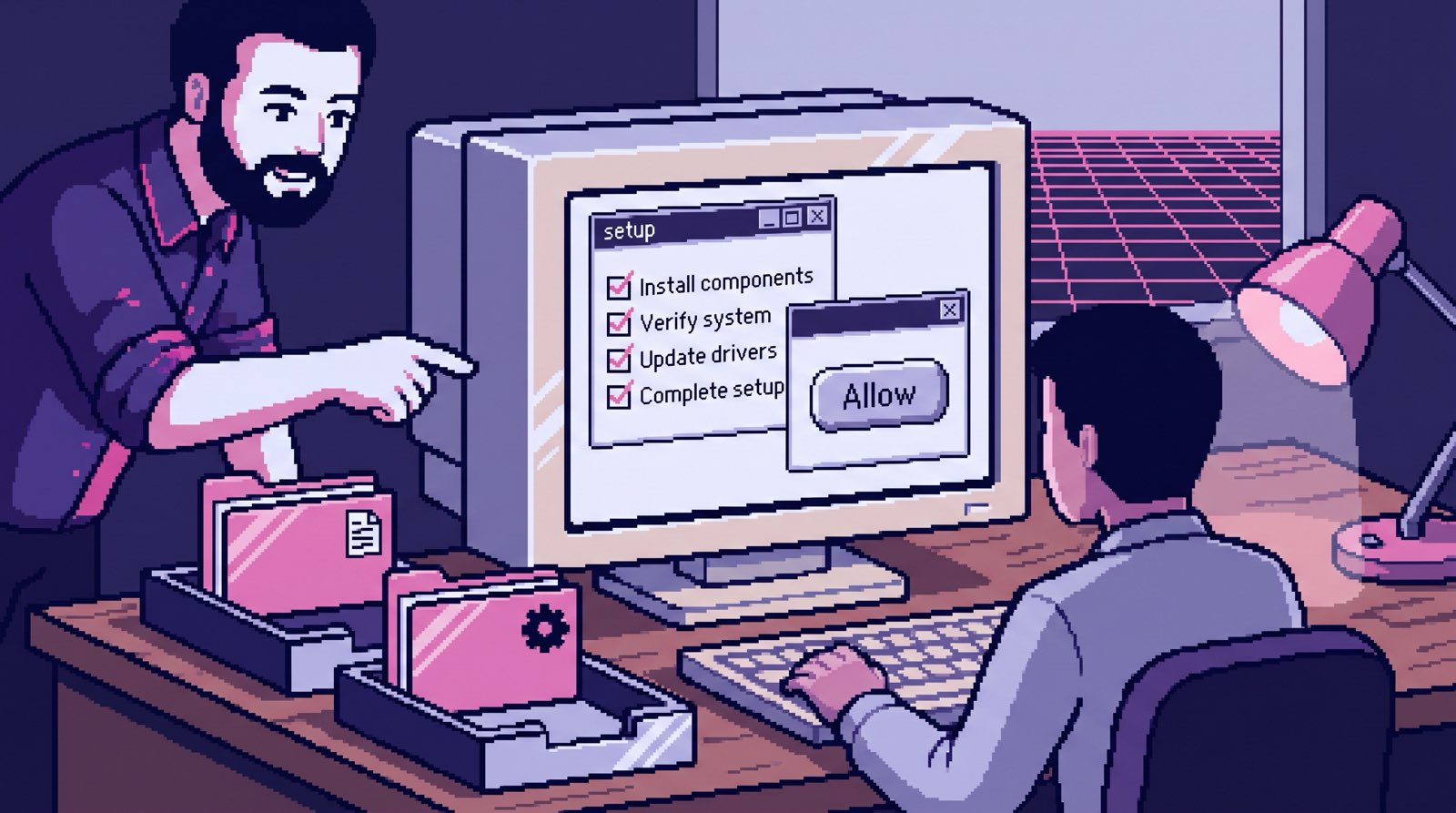
Claude Code for Non-Developers: Our Whole Team Installs Four Things
Oct 16, 2026 · 7 min read
Claude Code works for non-developers when the work is documents. Our team installs git, Claude Code, uv and one env …
Read more
Can Claude Read My Email? It Has Filed 1,200 of Our Threads
Oct 15, 2026 · 7 min read
Can Claude read your email? Yes, two ways: the Gmail connector in the app, or a scheduled sync into storage you own. …
Read more