Is It Safe to Connect ChatGPT to Gmail? What to Check
Mostly yes, as long as you know what you’re granting before you click Allow. The bigger risk is what it can do after it reads, and who in your company gets to decide that.
A disclosure first: I run my company’s email through Claude, not ChatGPT, so this isn’t a review from daily use. It’s what ChatGPT’s Gmail connection can do according to the guides that tested it, where they disagree, and how to settle it yourself in two minutes, because Google tells you exactly what any app can touch.
What ChatGPT can do with Gmail
The two most thorough guides I found, Drag’s walkthrough of every route and Fyxer’s breakdown, agree on the basics. ChatGPT can search and read your mail when you ask, and it can draft replies. Connecting it needs a paid plan.
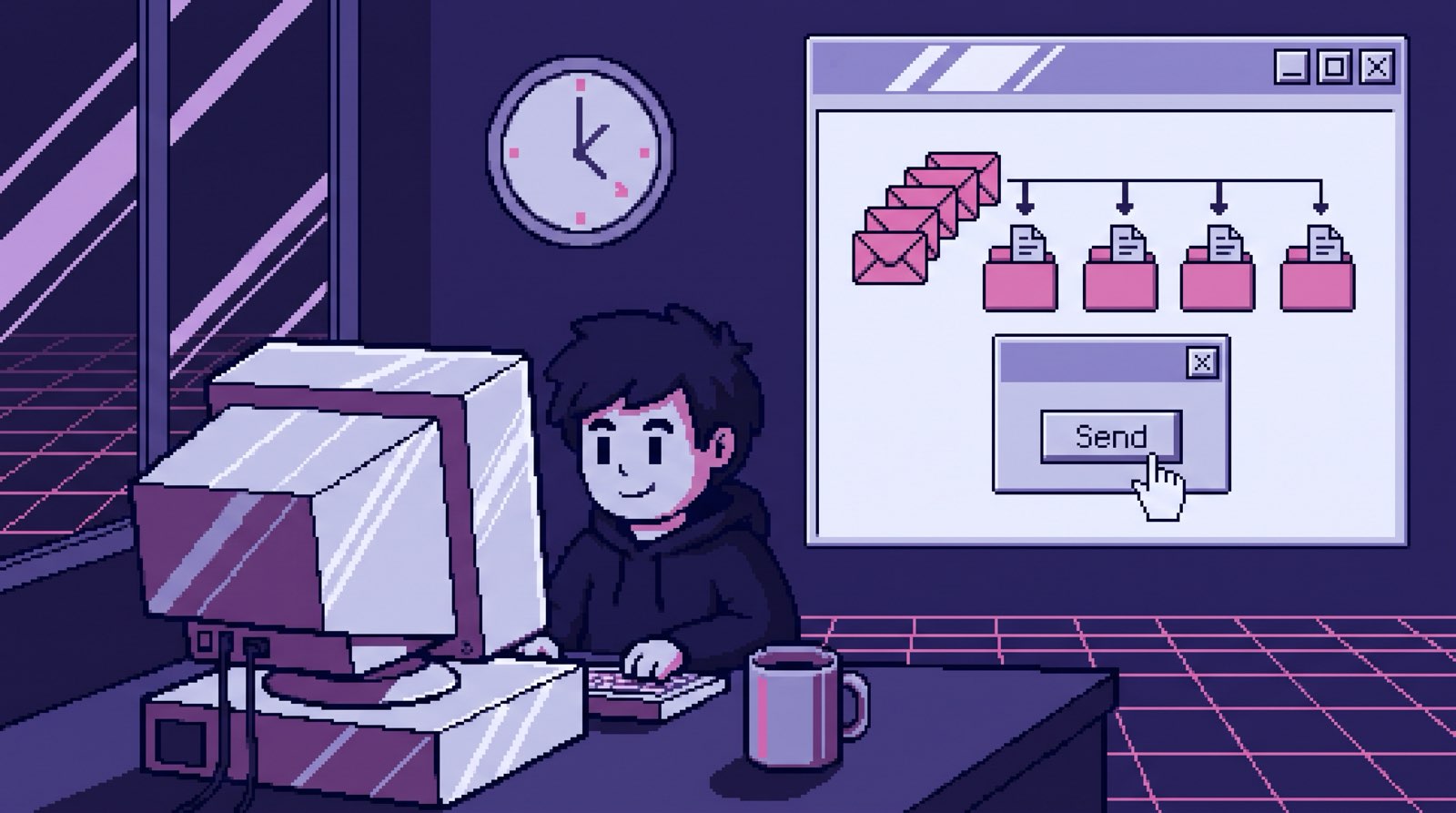
Until mid-2026 that’s where it stopped. Both guides say that since June 2026 it can also send, from ChatGPT on the web, one message at a time, with your approval on each. Drag adds that it doesn’t delete, label or file anything.
Where you live matters too. Fyxer says the Gmail connector isn’t offered at all in the UK, the EU, Switzerland or the EEA, and Drag says availability varies by plan and region.
So the honest answer to “can ChatGPT send email from my Gmail?” is: yes, with your approval on each message, if the connector is offered on your plan and in your country. You don’t have to trust me or any guide on it.
Settle it yourself: read Google’s consent screen
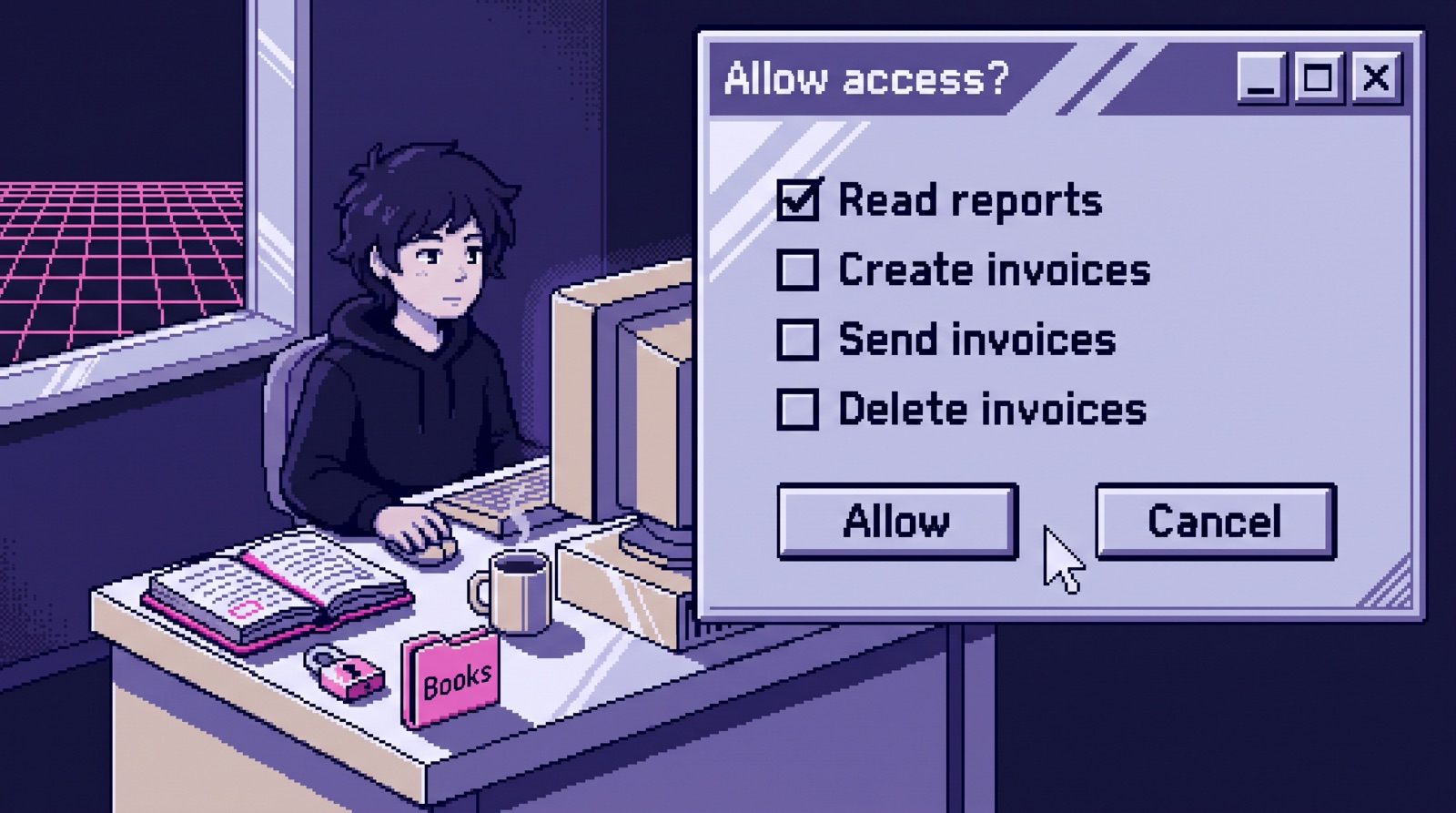
When you connect any app to Gmail, Google shows a consent screen listing exactly what the app is asking for. Read it before you click Allow. If it says the app can send email on your behalf, it can send, whatever a help page says.
Already connected? Open your Google account’s third-party connections page, find ChatGPT and look at its access. That page is the truth about what any app can do with your account right now.
One thing that surprises people: Google treats reading your mail as the bigger grant. In its Gmail permission list, sending sits in the sensitive tier, and reading sits in the restricted tier, the strictest one. Sending is what can embarrass you. Reading is what can expose everything you’ve ever been sent.
Does OpenAI train on your email?
Drag’s guide cites OpenAI’s policy: data from connected Google apps isn’t used to train its models, with exceptions. If you copy an email into a chat, send a conversation to OpenAI as feedback, or ChatGPT quotes your mail in a response, that text is chat content, and your chat settings apply to it. On Business and Enterprise plans, a Google Workspace administrator has to approve the connection before it works at all.
One thing people miss: disconnecting Gmail stops ChatGPT’s access, but Drag notes it doesn’t delete the chats or saved memories that already contain your mail. Delete those yourself if they matter. And check OpenAI’s own documentation for how long anything is kept, not a guide like this one.
The questions I’d ask before clicking Allow
These are the same questions I ask about Claude, and about the system we built for our own company. The longer version, with what we learned running ours, is in Is It Safe to Connect Claude to Gmail?.
- Who has to click Send? If every email needs your approval, a bad draft costs you a few seconds. If nothing does, it costs you a client.
- Who in your company controls it? On Business and Enterprise plans, an administrator has to approve the Gmail connection. Find out who that is, and what else they’ve approved.
- Is access per person? Each person should connect their own mailbox and be able to disconnect it without touching anyone else’s.
- What happens when an email contains instructions? Anyone can email you, so anyone can put text in front of your AI. Keep a person in front of anything that leaves the company.
- What does the vendor keep, and for how long? Get it in writing, from their docs.
How to disconnect ChatGPT from Gmail
Disconnect Gmail in ChatGPT’s settings, where its connected apps are listed. Then open Google’s third-party connections page, find ChatGPT and remove its access, so the grant is gone at Google too. Then delete any chats or memories that quote mail you’d rather ChatGPT didn’t keep. Do both when someone leaves your company, and for any app you connected once and forgot about.
ChatGPT or Claude for your email?
For asking questions about your own inbox, both work, and the best one is the one your team already uses. The difference shows up with a team. Someone has to write down what never goes out by email, decide who approves what, and get ten people connected the same way, so each person’s AI isn’t working from different rules. That part is the same on every platform, and it’s what I do on Claude Team: One job live by day 14 and your team using it weekly by day 30, or your money back.