How to Train ChatGPT on Your Company Data (You Probably Don't Want Training)
“Can I train ChatGPT on our company data?” is the most common way people ask for an AI that knows their business. It’s also slightly the wrong question. Training changes the model itself. What almost everyone wants is a model that looks up the right document before it answers, and tells you which document it used. That second thing is cheaper, easier to keep current, and it’s what every working setup I know of actually does.
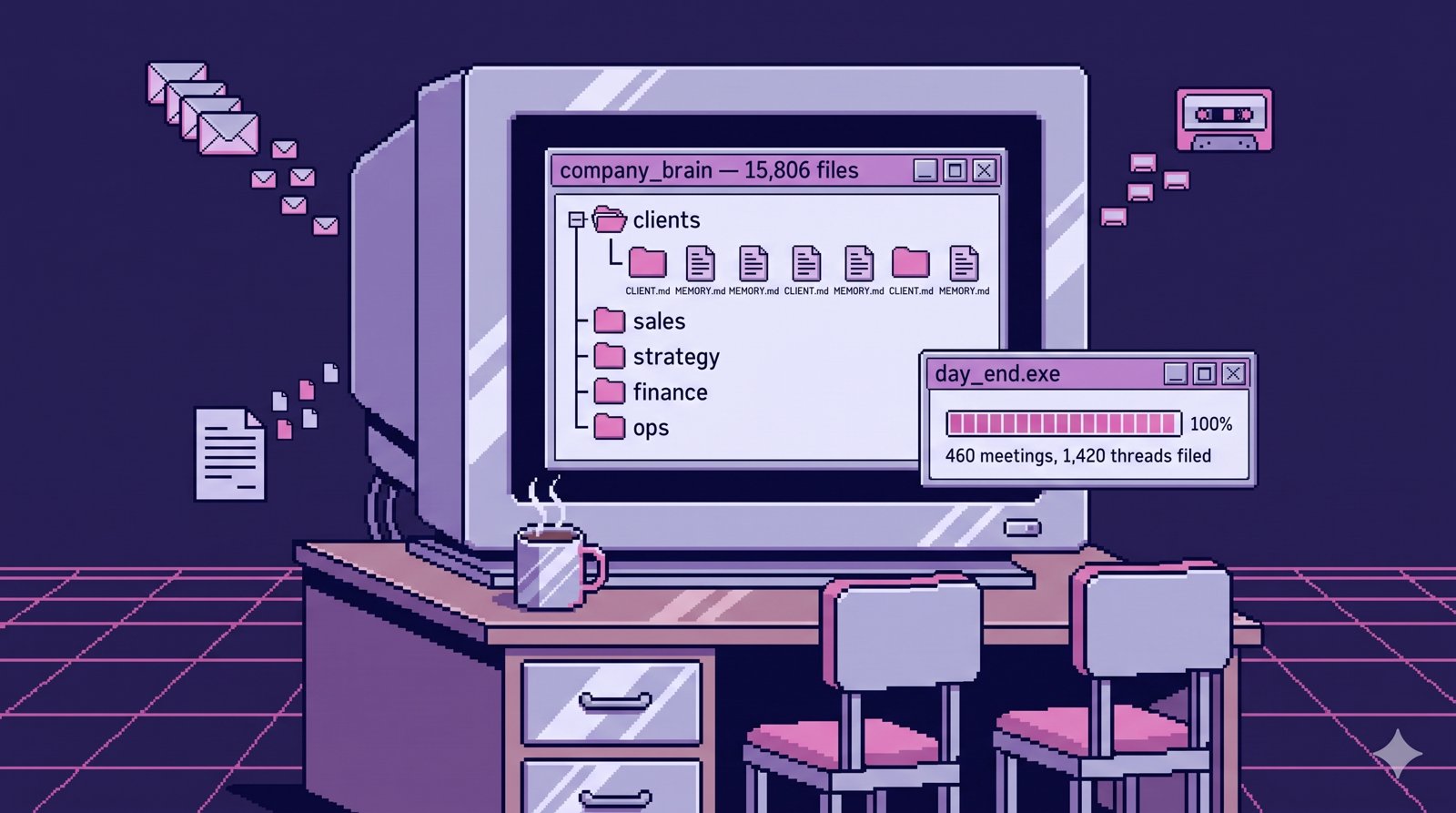
I run my company on one of these, a company brain that reads our email, call transcripts and docs. Getting there meant trying most of the routes below. Here they are, cheapest first, with where each broke.
Show the data
| Route | Setup | Stays current? | Who sees what |
|---|---|---|---|
| Upload files to a GPT or Project | An afternoon | Only if someone re-uploads | Everyone sees the same files |
| Buy a workplace search tool | Days to weeks, plus a per-seat license | Yes, it syncs your apps | Follows each app’s permissions |
| Build retrieval over your own files | Weeks | Yes, on a schedule you set | Whatever rules you write |
| Fine-tune a model | Weeks, and again every time facts change | No, it’s a snapshot | Everyone sees everything baked in |
Route 1: Upload files to a custom GPT or a Project
Most people start here, and for one person it’s often the right place to stop. You give a custom GPT or a Claude Project instructions and a pile of files, and it answers from the pile. A custom GPT takes up to 20 knowledge files. If you’re starting fresh, use a Project: OpenAI’s retirement FAQ planned to stop creation of new custom GPTs on September 25, 2026, and existing ones stop running on December 11. I went through the details in a whole post on custom GPTs for business.
It breaks in three places once a team leans on it. The files are frozen the day someone uploads them, and nobody owns re-uploading. Answers don’t point back to a source unless you write that into the instructions. And everyone who can open it reads the same pile, so you can’t add a client contract or a salary band without showing it to the whole team.
Pick this if: you’re one person, the documents rarely change, and you already know where every answer came from.
Route 2: Buy a workplace search tool
The next step up is a product that connects to the apps you already use (your drive, your chat, your ticketing system) and lets people ask questions across all of them. Glean is the best-known one, and Notion and most of the big suites now ship some version of it. These tools usually keep each app’s own permissions, so people only get answers from documents they could already open. Glean, for example, checks permissions at query time for every document it indexes. That alone fixes the biggest problem with Route 1.
What they can’t fix is the content. If your pricing lives in a founder’s head, or the onboarding doc describes how things worked a year ago, the tool will find the wrong answer faster. When I went looking for where our company’s knowledge actually lived, I found five hiding places, including a README that said a scheduled job was “Planned” when it had been running every weekday at 9am. No search tool would have caught that, because the document was the problem.
Pick this if: your knowledge already lives in well-kept apps, you have more than a few dozen people, and a per-seat license is easier to approve than a project.
Route 3: Build retrieval over your own files
Route 3 is what we did. The idea has a name, retrieval-augmented generation, and a paper behind it (Lewis and colleagues, 2020): when a question comes in, search pulls the few passages most likely to matter, and the model answers from those passages. The model never changes. All the work goes into what’s in the filing cabinet and whether search can find it.
The search part turned out to be cheap. Ours runs on Vertex AI Search over 1,365 documents and costs somewhere between $0 and $6 a month. The filing cabinet is where the time went. Email syncs three times a day, a job checks for new call transcripts every hour, and a confidentiality gate decides what’s allowed in (I learned why that gate has to be mandatory the day 46 transcripts reached main). The repo has 20 CLAUDE.md files telling the AI what each folder is. The root one went from 58 lines in early March to 223 today, and most of those lines are there because something broke without them.
Not everything we tried survived. We put a knowledge graph on top and killed it after two identical runs agreed on only 16% of their labels (the test). And the model mattered less than I expected. On one extraction job, a cheap model matched the frontier model at about a twentieth of the cost, and we only found out because we tested both on the same documents.
Pick this if: your team is small enough that one setup can cover everyone, you want answers with links to the source, and you’d rather own the system than rent it.
Route 4: Actually train (fine-tune) a model
Fine-tuning is the only route that matches the question literally. You show a model thousands of examples and it adjusts its weights. It’s good at teaching a style or a format, like always answering in your support team’s tone or always returning a particular structure.
It’s bad at facts that change. Whatever the model learned is a snapshot from training day, so when your prices change in September, you train again. Microsoft’s own fine-tuning overview says it plainly: fine-tuning “doesn’t replace retrieval for current information,” and it lists retraining and redeployment as an ongoing maintenance cost. It also can’t show you where an answer came from, because the knowledge isn’t in a document anymore, it’s smeared across the model. And anything in the training data is available to anyone who uses the model.
I haven’t fine-tuned a model for a client’s company knowledge, and I don’t expect to. Every time someone has asked me for it, what they described was Route 3.
Pick this if: you need a consistent voice or output format and the facts come from somewhere else.
Questions that sort it out fast
- How many people will ask it questions? One person points to Route 1. A team points to Route 2 or 3.
- How often does the information change? Monthly or faster rules out Routes 1 and 4 unless someone owns updating them.
- Does anyone need to see less than everyone else? If yes, Route 1 is out.
- Is the information written down, and is it right? If not, start there. No route fixes a wrong document.
Start with the last question. Before you pick a tool, take five questions a new hire asks in their first month and trace where each answer lives today. If the answers are in people’s heads, the first project is writing them down, and an AI can help with that too.
If you’d rather have someone build it
I build Route 3 for small teams: one team’s email, docs, calls, spreadsheets and calendar, with access rules for each person, in accounts you own so nothing is stuck in my login when we’re done. It’s from $3,997 for a team of up to 20, live in 14 days or all your money back. If you’d rather build it yourself, I also coach that. You can try the demo first to see what it’s like to ask one of these a question.